Government agencies and state enterprises
Real signatures on the sign-in sheet, without the paper
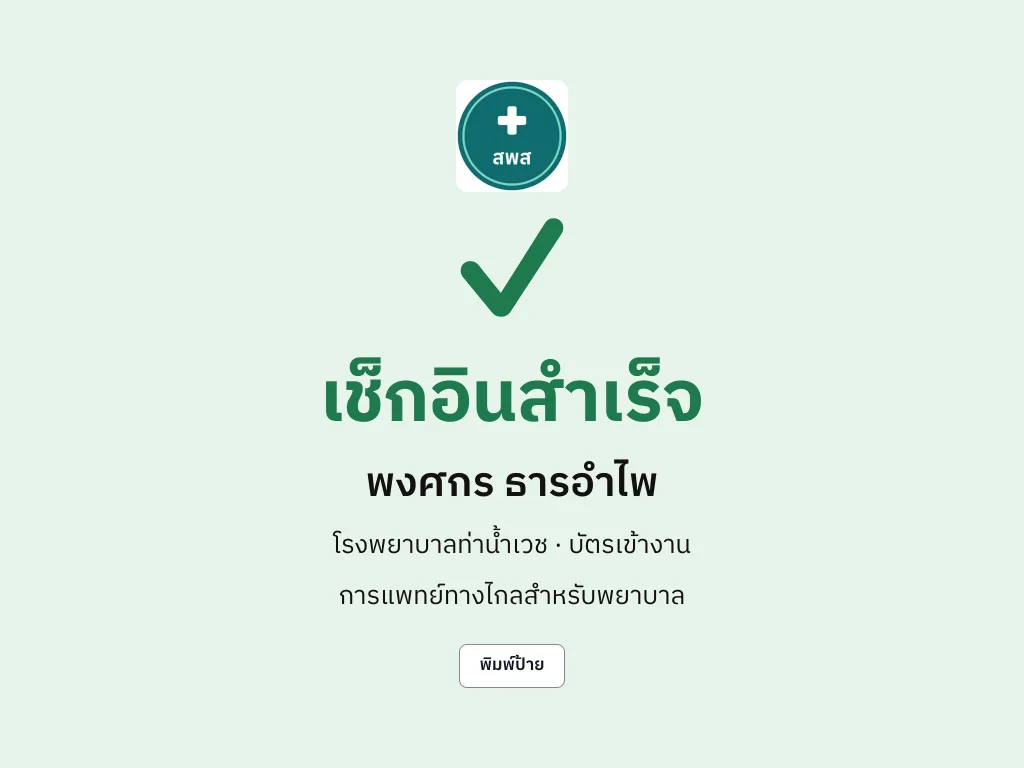
Attendees find their name and sign on a tablet. After the event you have a PDF sign-in sheet with every signature.
See it in action
Government agencies, every step in 1:02
From the registration page to the final report. No sound, watch anywhere
Government agencies, every step in 1:02
What you get
-
Signature sign-in mode
Search, sign, and the screen returns to search within two seconds, so queues stay short. Pro and above.
-
Government-style PDF sign-in sheet
Numbered rows with full name, organization and signature, headed with the event name and date.
-
Import the invite list
Bring in invited guests from Excel and let everyone sign on the day.
-
Works when the network drops
Tablets keep signatures on the device and sync when they are back online, without duplicates.
-
Personal data handled properly
Each event has its own privacy notice. Your agency is the data controller and we process data under a DPA.
Before the event
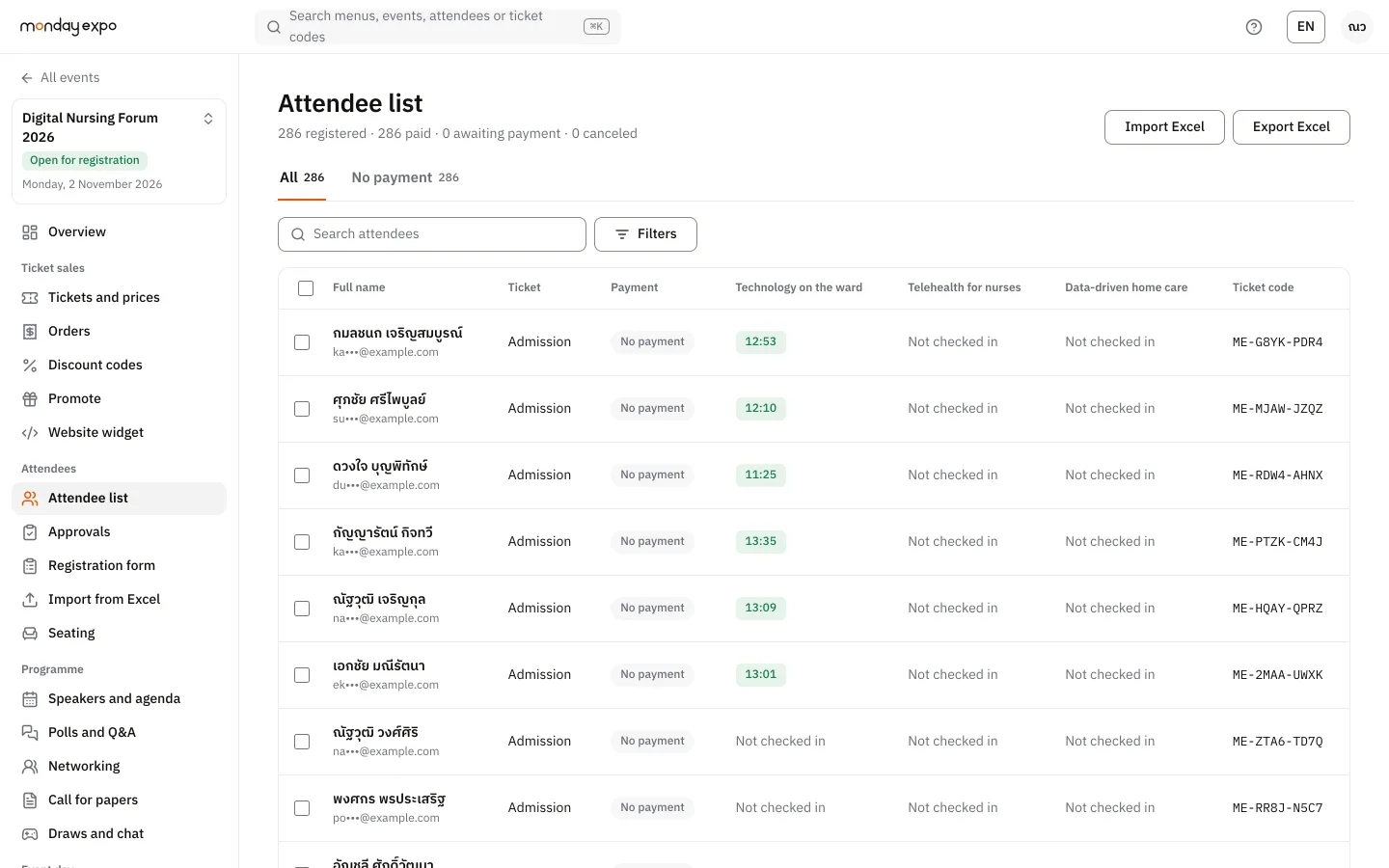
Import the attendee list from Excel
Import attendees from the Excel file you already have. On the day people find their name and sign, with nothing to type.
Offline
Signing continues without internet
Tablets keep signatures while offline and upload them when the connection returns, with no duplicates.
After the event
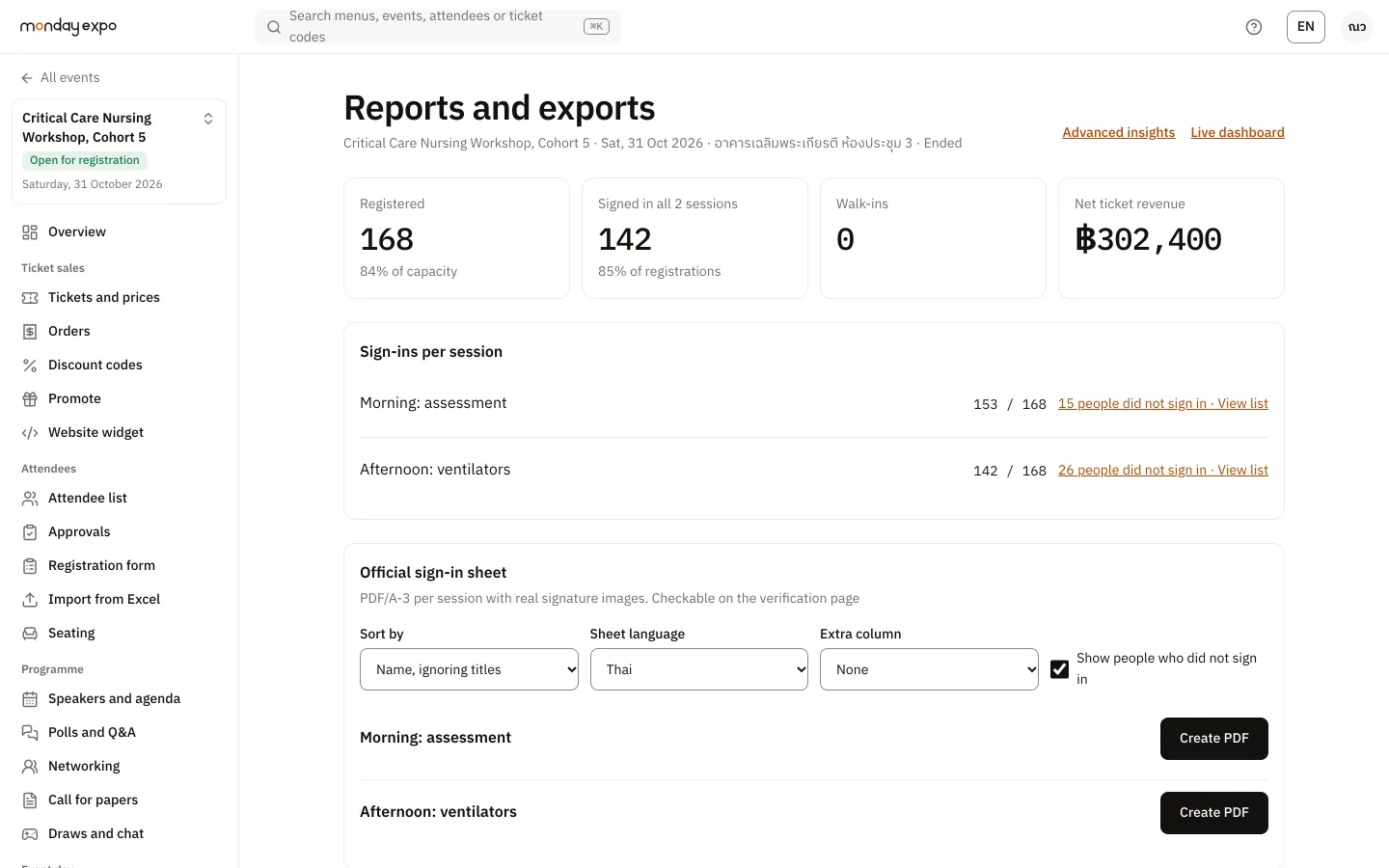
PDF sign-in sheets ready for reimbursement
Export the sign-in sheet with every signature and time, plus an attendance summary for reimbursement or reporting.
Data security
Attendee data in a carefully run system
Infrastructure from DigitalOcean · Cloudflare · Beam Checkout · Zoho ZeptoMail
See all security measures- SingaporeServer location
- AES-256Encryption of sensitive data
- Not storedFull card numbers and CVV
- Hash chainAudit log that shows whether anything was changed
Monday Expo is not yet certified against the standards it uses as guidance
Frequently asked questions
Can the sheet support expense claims?
It carries each attendee's signature in the layout Thai agencies commonly use, but document rules differ between agencies. Check with your finance team.
How many tablets do I need?
It depends on the crowd. Pro allows 2 devices at once, Pro Plus 3, and you can add more at ฿1,500 per device per month.
How do I pay the platform invoice?
You can pay by PromptPay QR or bank transfer. We issue a receipt and a tax invoice, and we accept withholding tax.