Fast check-in, short queues, even offline
Open the web app on any staff phone and start scanning QR codes. Every device stays in sync and catches up by itself when the connection returns.
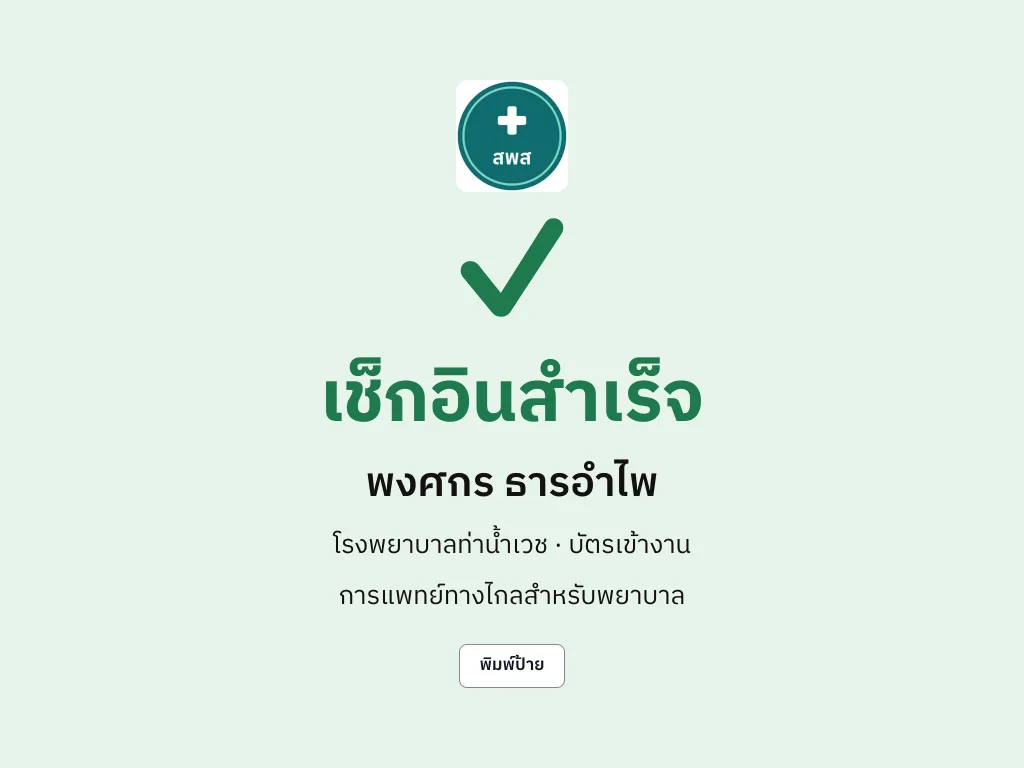
Check-in software that works offline
-
No app to install
Runs in the browser on phones and tablets, and can be added to the home screen like an app.
-
Works offline
Devices keep working while the network is down and sync everything when it returns, without duplicates.
-
Several devices at once
Free 1 device, Pro 2, Pro Plus 3, Expo 12. Monthly extra devices start at Pro. Free cannot buy monthly devices but can rent a Monday Box for 2 more devices per box.
-
Check in and out per session
For events with several sessions, such as morning and afternoon, staff pick the session at the station and scan. Entry and exit times are kept for each session and can count hours for certificates and CPD.
-
Search by name
Forgot the ticket? Staff find the attendee by name or email and check them in.
-
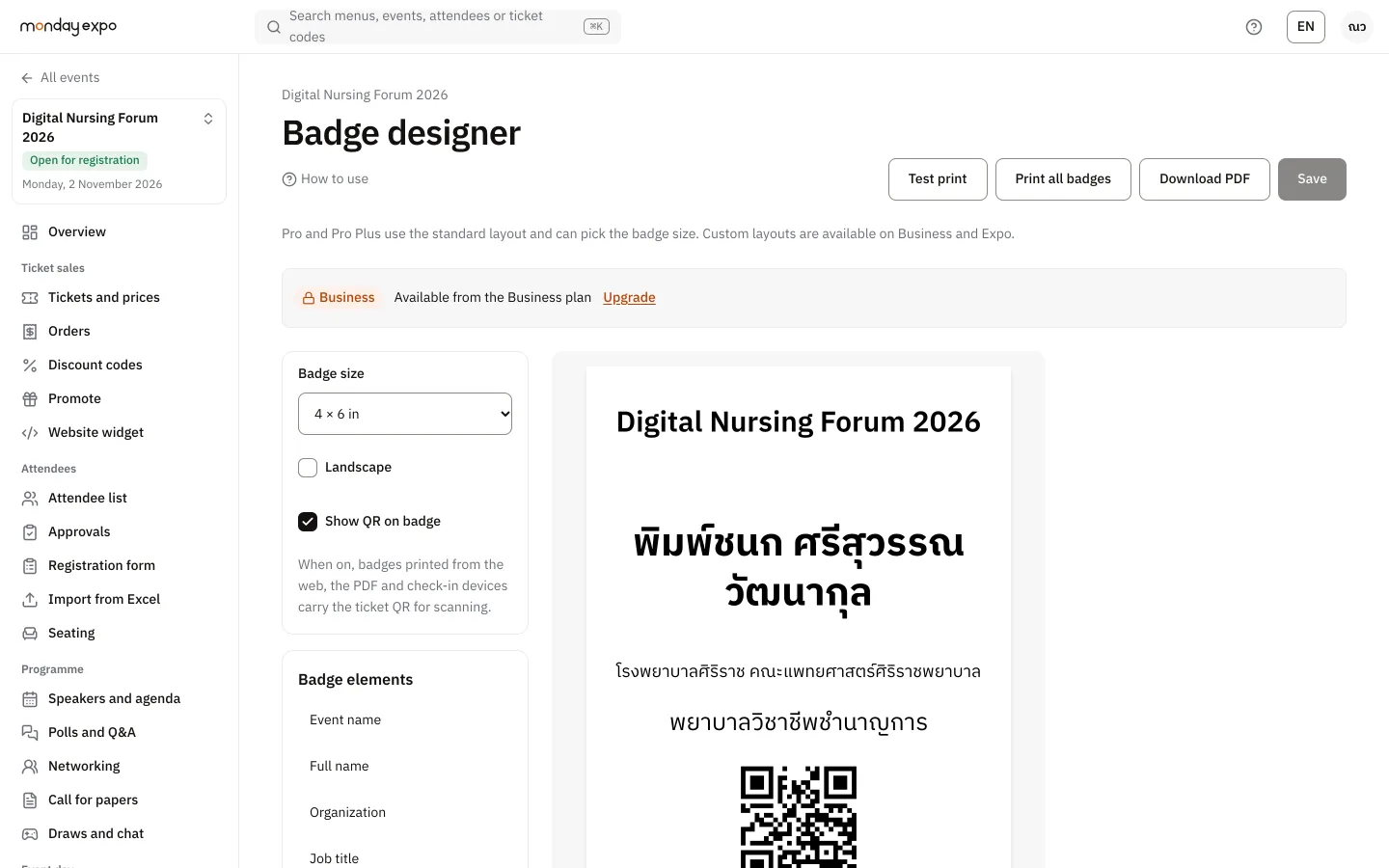
Name badges with QR
Pick a standard template and size, and switch the QR code on or off. Pro and above.
-
On-site badge printing
Print the badge the moment someone checks in, with the printer in a Monday Box.
QR scanning
Scan and know at once
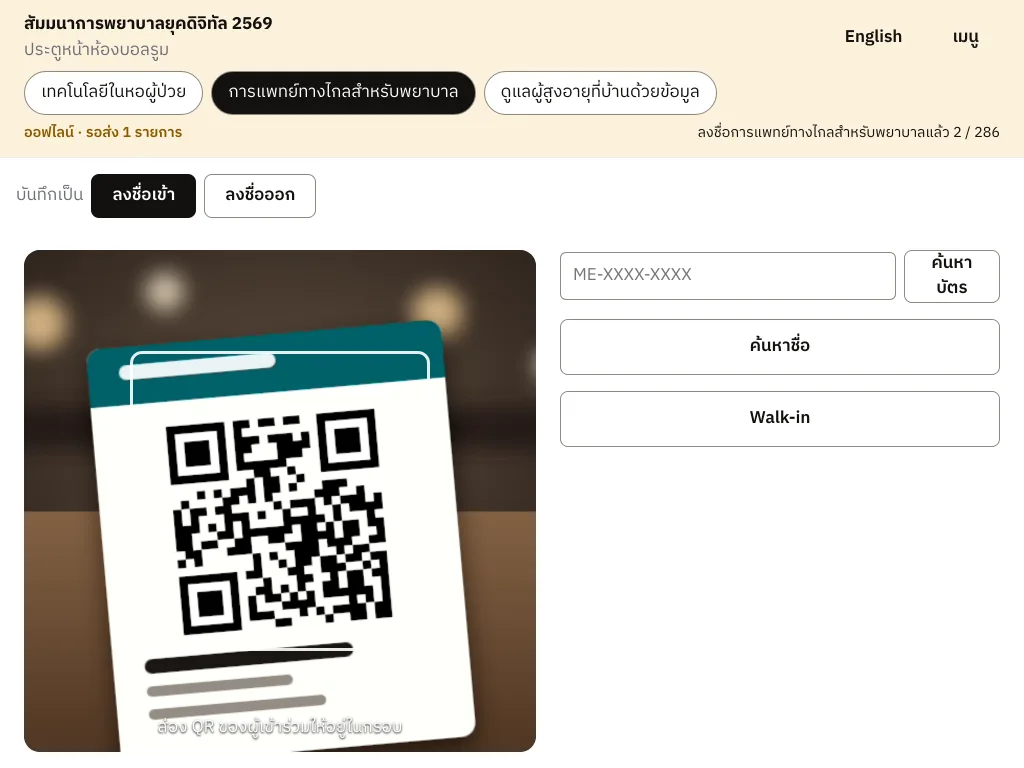
Point the camera at the ticket QR and the screen shows the name and ticket type. Used tickets or tickets for another event get a clear warning.
Device setup
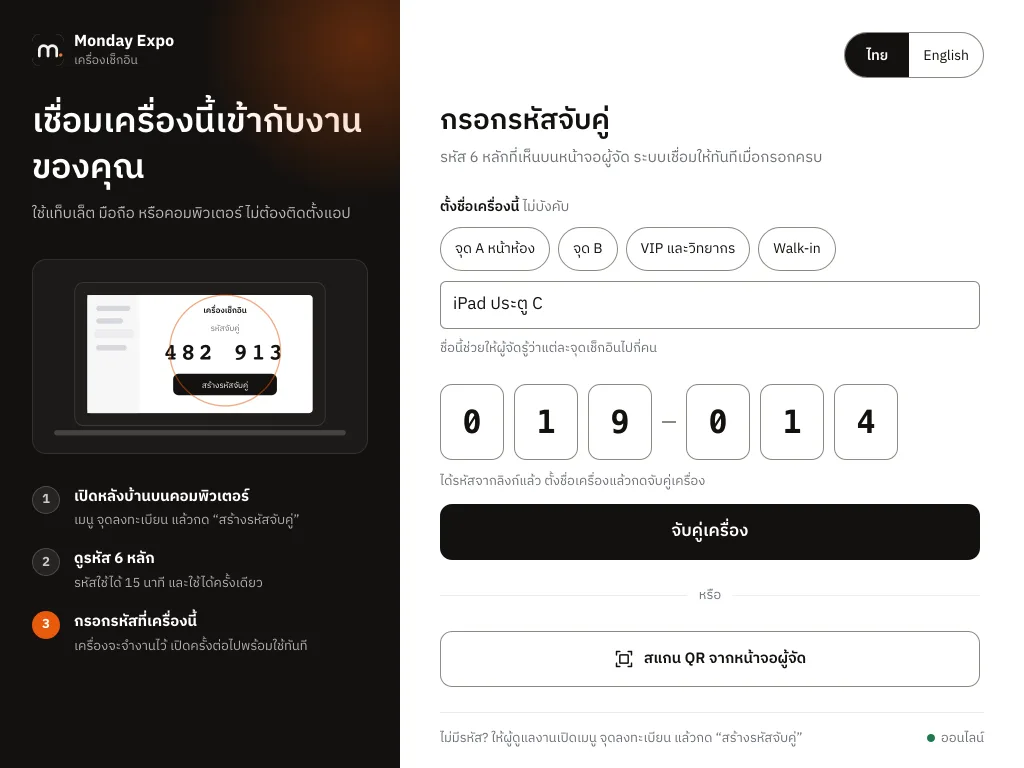
Pair a device with a 6-digit code
Open the check-in page on any phone or tablet, type the code or scan the QR from the back office, name the device and start scanning. No app to install and no staff logins.
- Codes work once and expire on their own
- Remove a lost device from the back office
- Device count follows your plan
Offline
Keep checking in when the network drops
Devices keep check-ins while offline. When the connection returns they upload by themselves, without counting anyone twice.
- Every device sees the same data
- The screen shows how many scans are waiting to sync
- No sync button to remember
Live arrivals
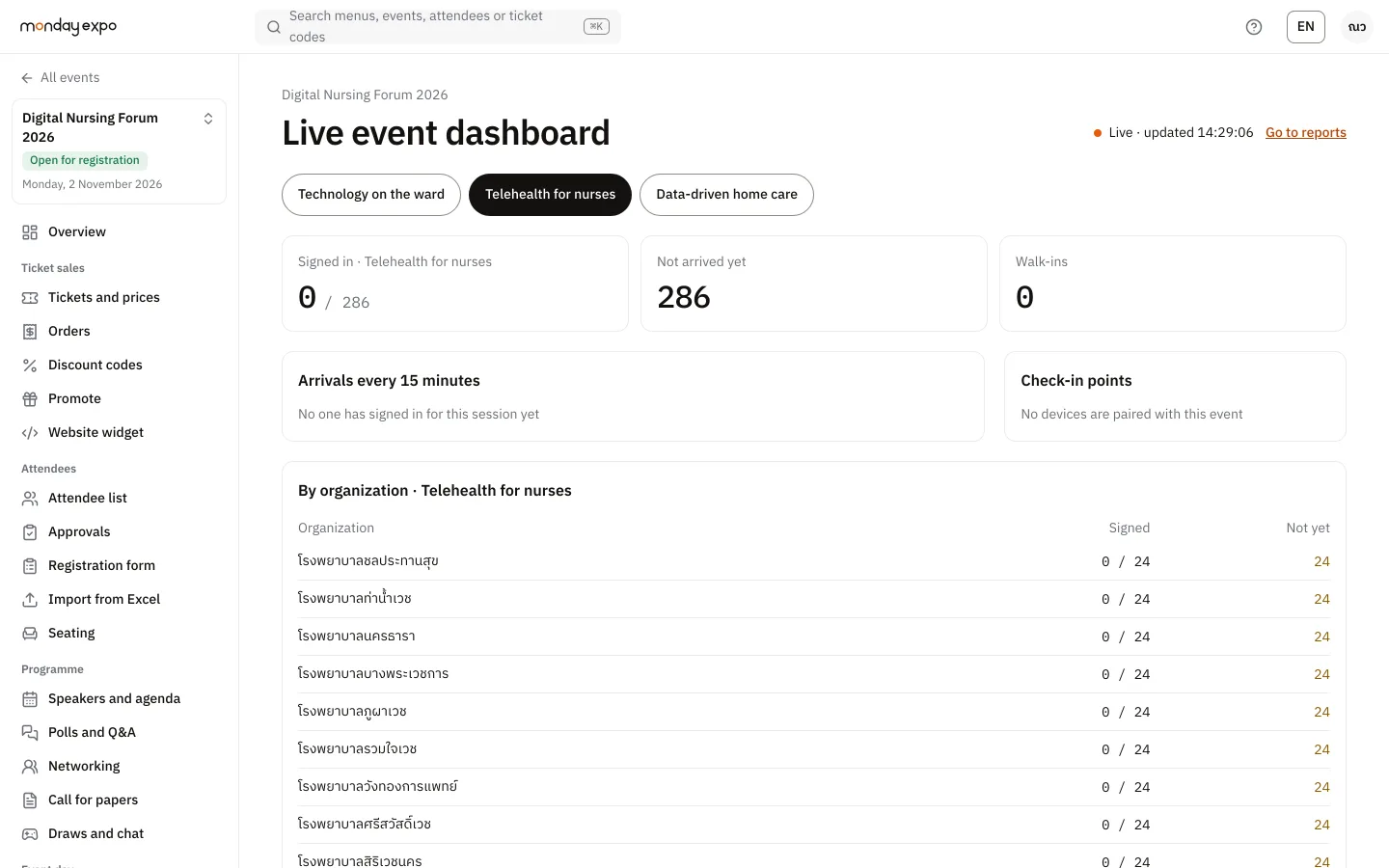
See how many have arrived, gate by gate
The arrival count updates with every scan, split by check-in point and device, and every staff device sees the same numbers.
During the event
Watch arrivals live
The live dashboard shows who has arrived, the show-up rate and which scanners are online, from anywhere.
Name badges
Name badges with QR codes
Pick a template and size, add name, organization and a QR code for breakout rooms. Pro and above.
Registration desk
A desk layout that keeps queues moving
One tablet per queue, the badge printer in the middle and the desk router behind. Use your own devices or rent a Monday Box.
Everything in this area
-
QR check-in
Use the phones and tablets you have. Keeps working when the internet drops
-
Walk-ins
Register people who turn up on the day, right at the check-in desk
-
Rotating ticket QR
A changing QR so screenshots cannot be passed on
-
Live dashboard
Follow registrations and arrivals while the event runs
-
Badge printing Pro and up
Print a name badge the moment someone checks in
-
Onsite tools
Rehearsal mode, help desk and allowance receipts
Frequently asked questions
How does QR code check-in work?
Open the check-in page on a phone or tablet, pair the device with a 6-digit code, then scan the QR code on each attendee's ticket. No app to install. Scanning keeps working if the internet drops, and if someone forgets their ticket, search for their name instead.
How are devices counted?
By devices connected to the event and online at the same time. Over the limit, a new device cannot join and the screen shows how to add more.
My event is huge. Can you help on the day?
Yes. See onsite services for Monday Box rental and staffing.
Do I need to buy a separate scanner?
No. Monday Expo check-in scans QR codes with the camera on the phones or tablets you already have, straight away, with no app to install.