Solutions · Corporate events and town halls
Company-wide staff events: one registration link, no queue at the door
Share a link or import your staff list from Excel, approve people before QR tickets go out, and open check-in at several doors at once. Leaders see live attendance and you get a report by department after the event.
Watch the 1:02 video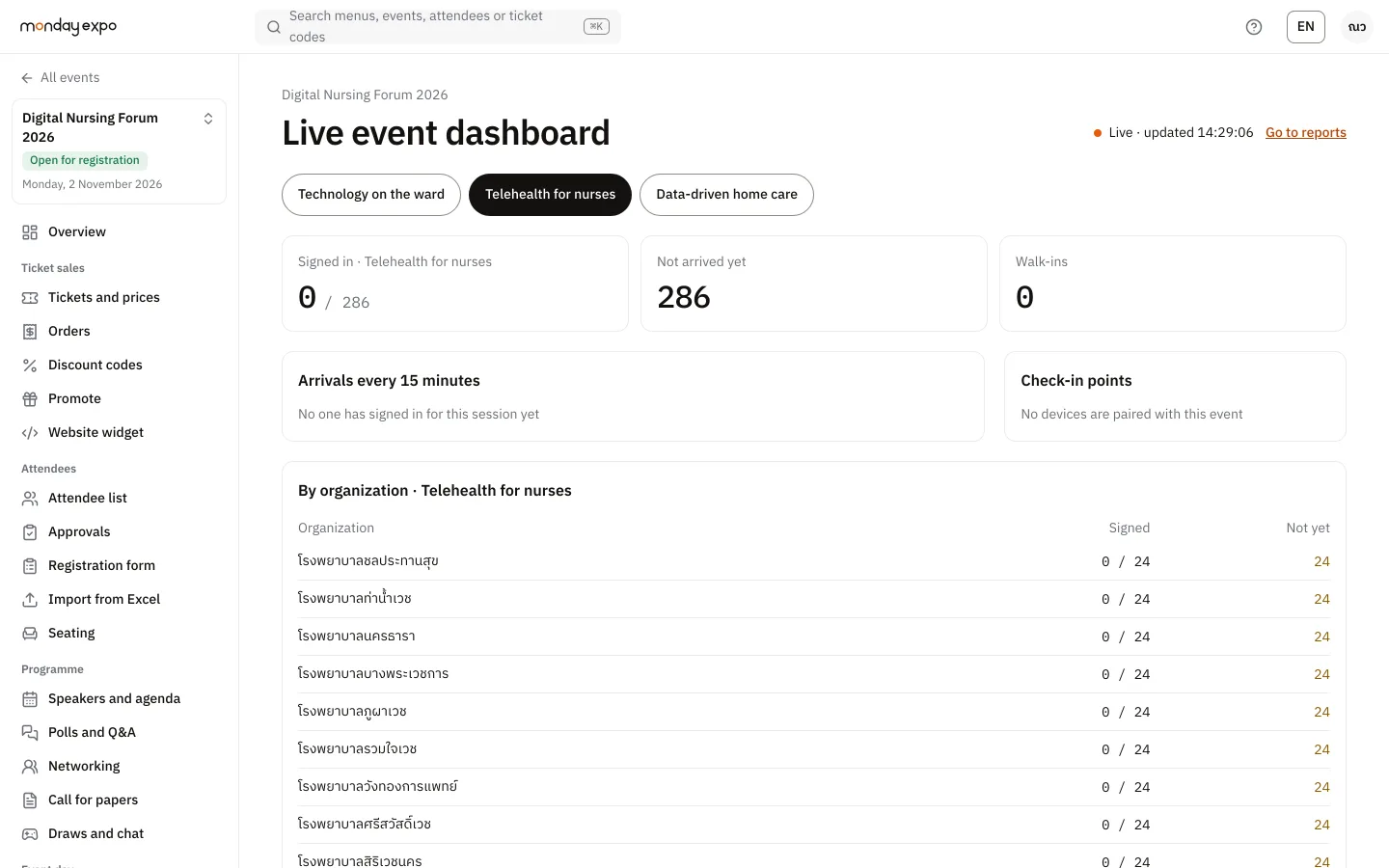
Arrived
1,284 Live
See it in action
Company events and town halls, every step in 1:02
From the registration page to the final report. No sound, watch anywhere
Company events and town halls, every step in 1:02
What you can do
From the invitation to the report for leadership
-
Your company's brand on the event Pro Plus and up
Your logo, colours and images on the registration page, tickets and emails.
-
Share a link or import your staff
Post the link in company email or chat groups, or import the list from an Excel file in one go.
-
Approve before tickets go out
Review registrations first. Only approved people get a QR ticket by email.
-
Check in at several doors at once
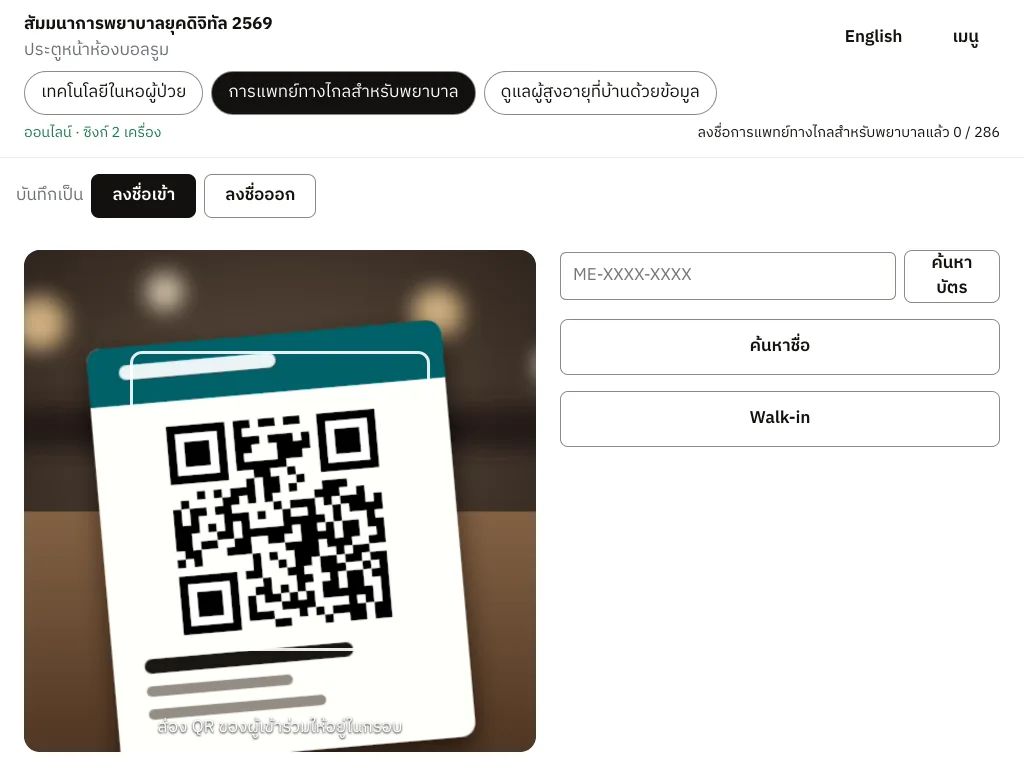
Open a check-in point at each entrance on a tablet or phone. Everything adds up in one place.
-
Polls and Q&A on the big screen Pro Plus and up
Staff vote and send questions from their phones. Moderators pick questions before they go on screen.
-
Reports by department Pro and up
See registrations, actual attendance and survey results by department, then export to Excel.
Before the event: set up
A registration page your staff recognise
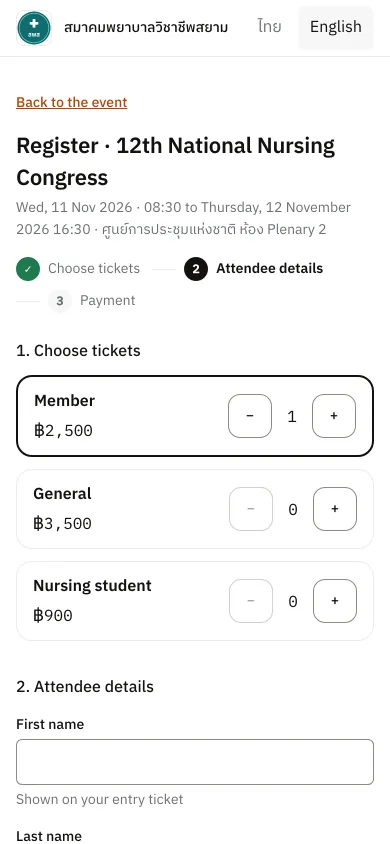
Use your company logo and colours, choose the fields people fill in such as employee ID, department and branch, then share the link or import the list from Excel.
- Company branding from Pro Plus
- Add a department field to split reports later
- Import the whole staff file in one go
Before the event: who gets in
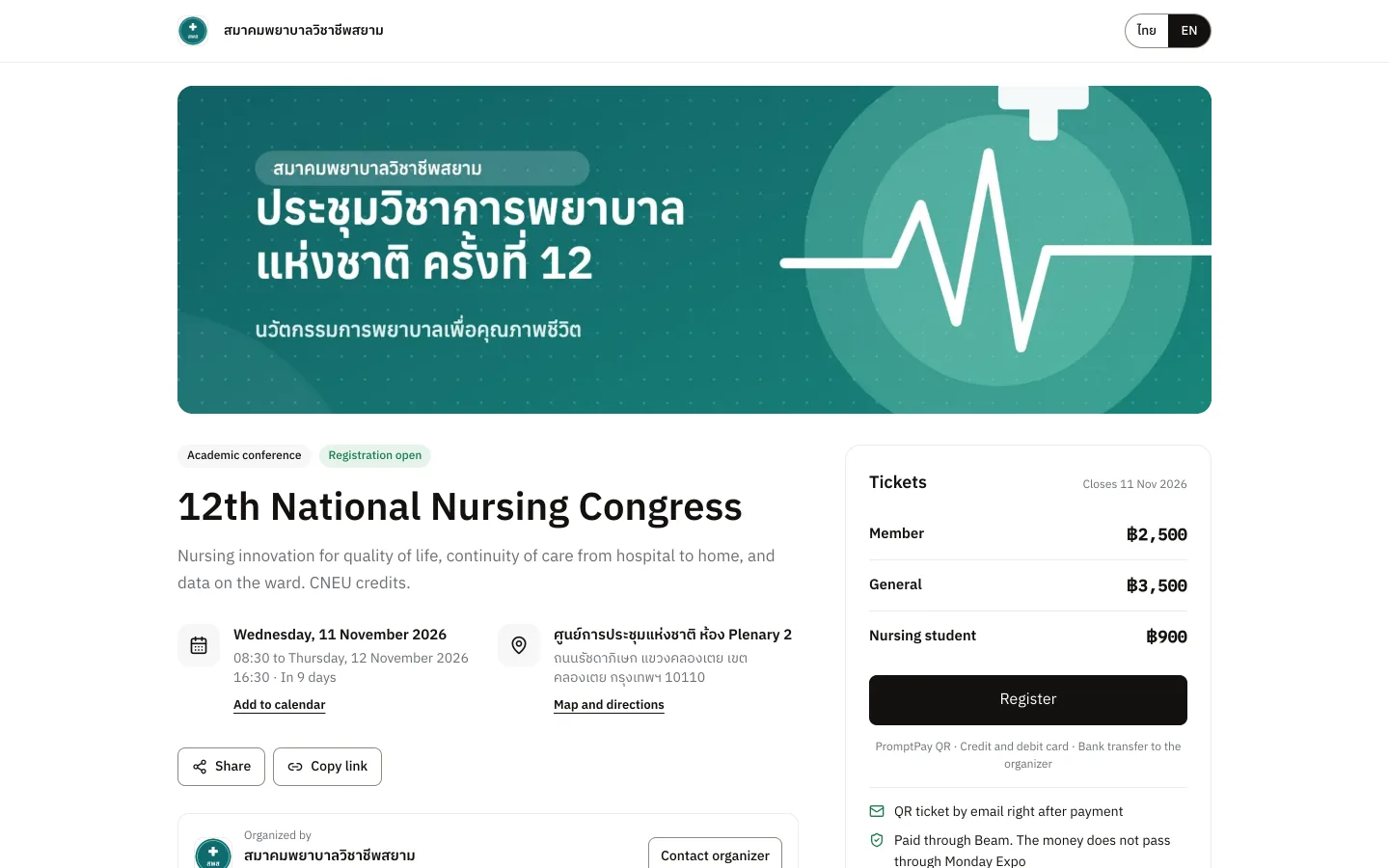
Approve first, then send tickets
See every registrant on one page and approve one by one or in bulk. Approved people get a QR ticket by email plus a reminder before the day.
- Registration approval is in every plan
- QR tickets go out by email right after approval
- Reminder emails are sent automatically
On the day: doors and meeting rooms
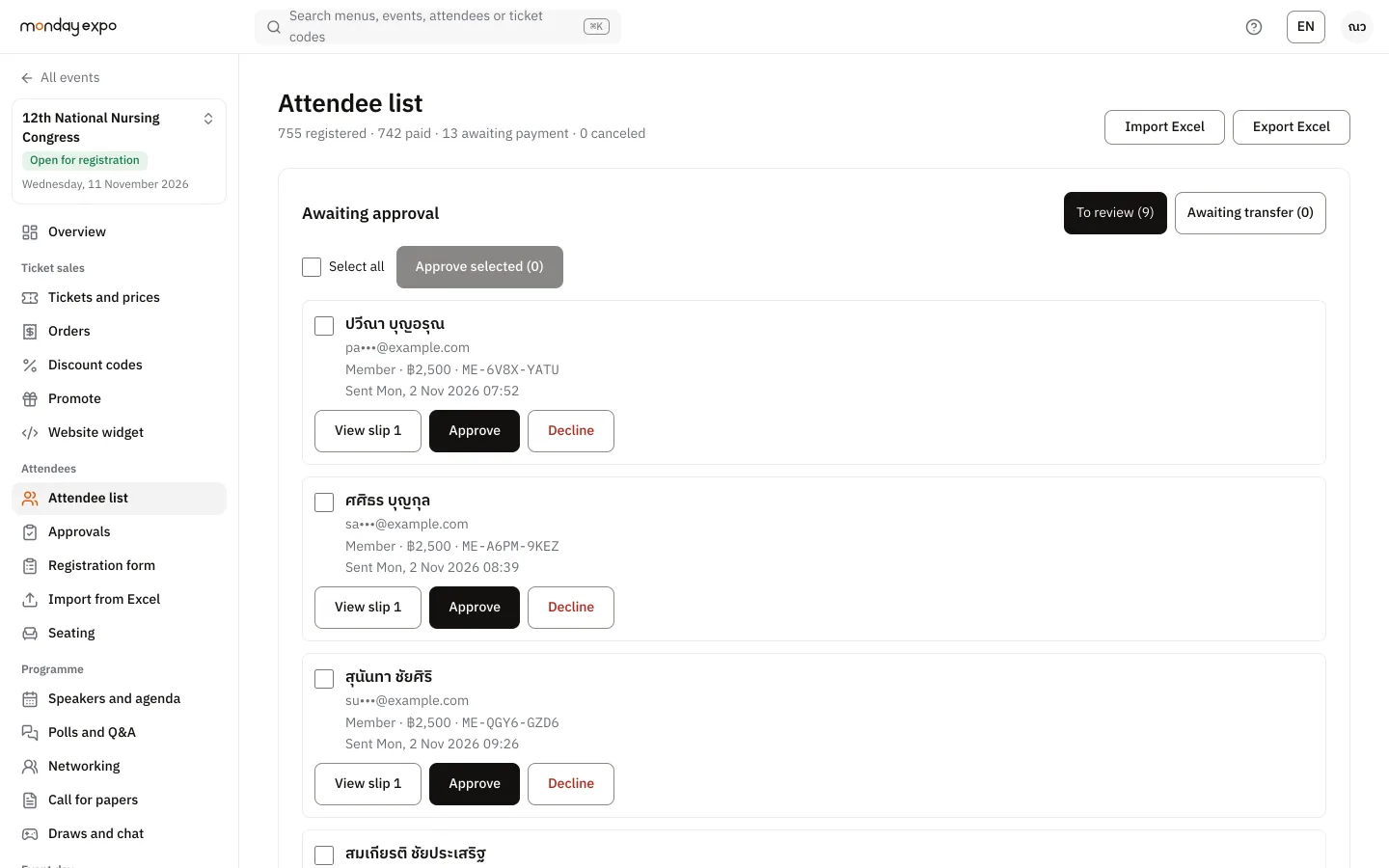
Check in at many doors while leaders watch live numbers
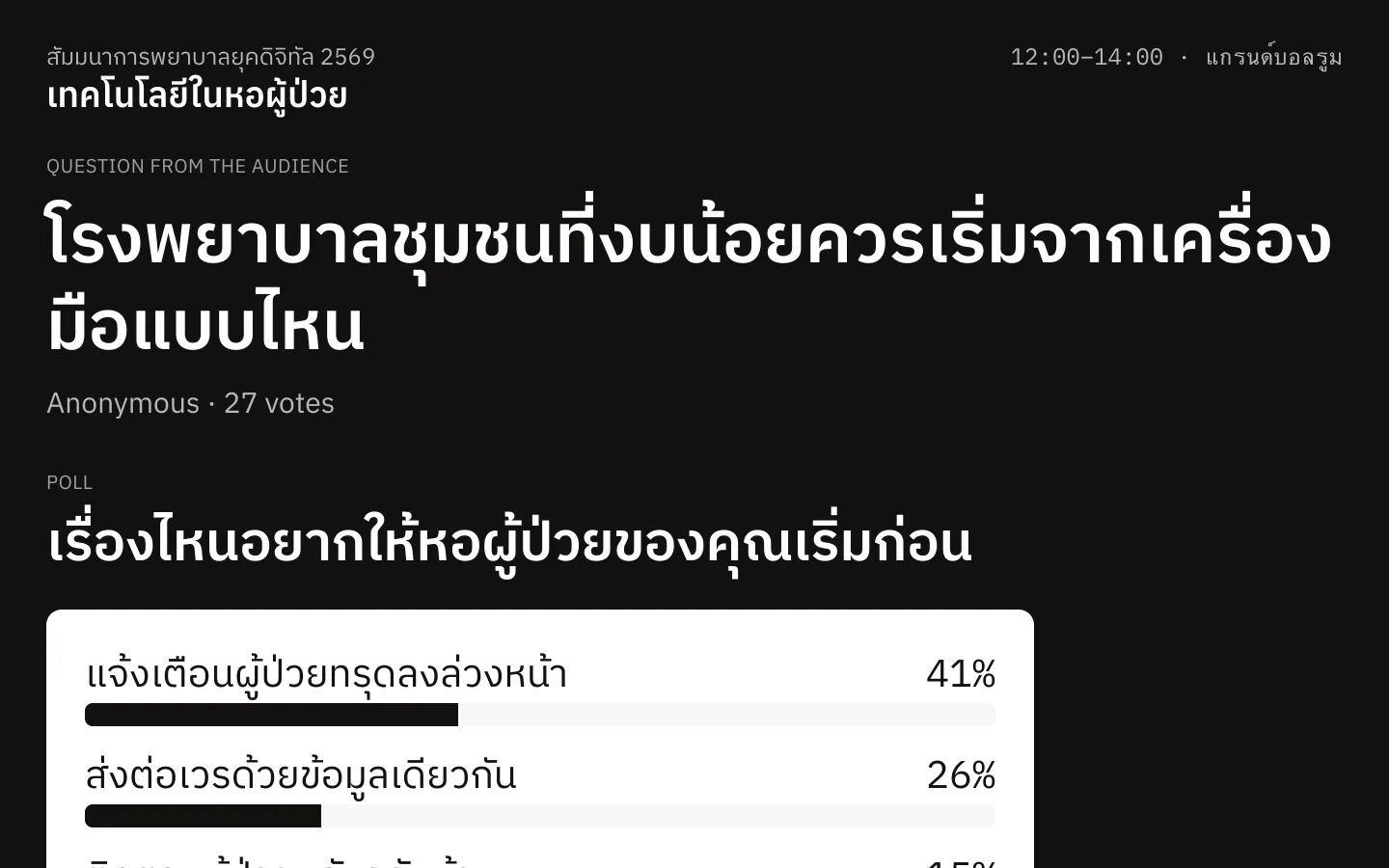
Open check-in at every entrance at once. Scan the QR code or search by name and attendance shows up live on screen. During the session, staff send poll votes and questions from their phones.
- Check-in devices depend on your plan
- Live attendance across every door
- Polls and Q&A on the big screen from Pro Plus
After the event: results
Attendance report by department
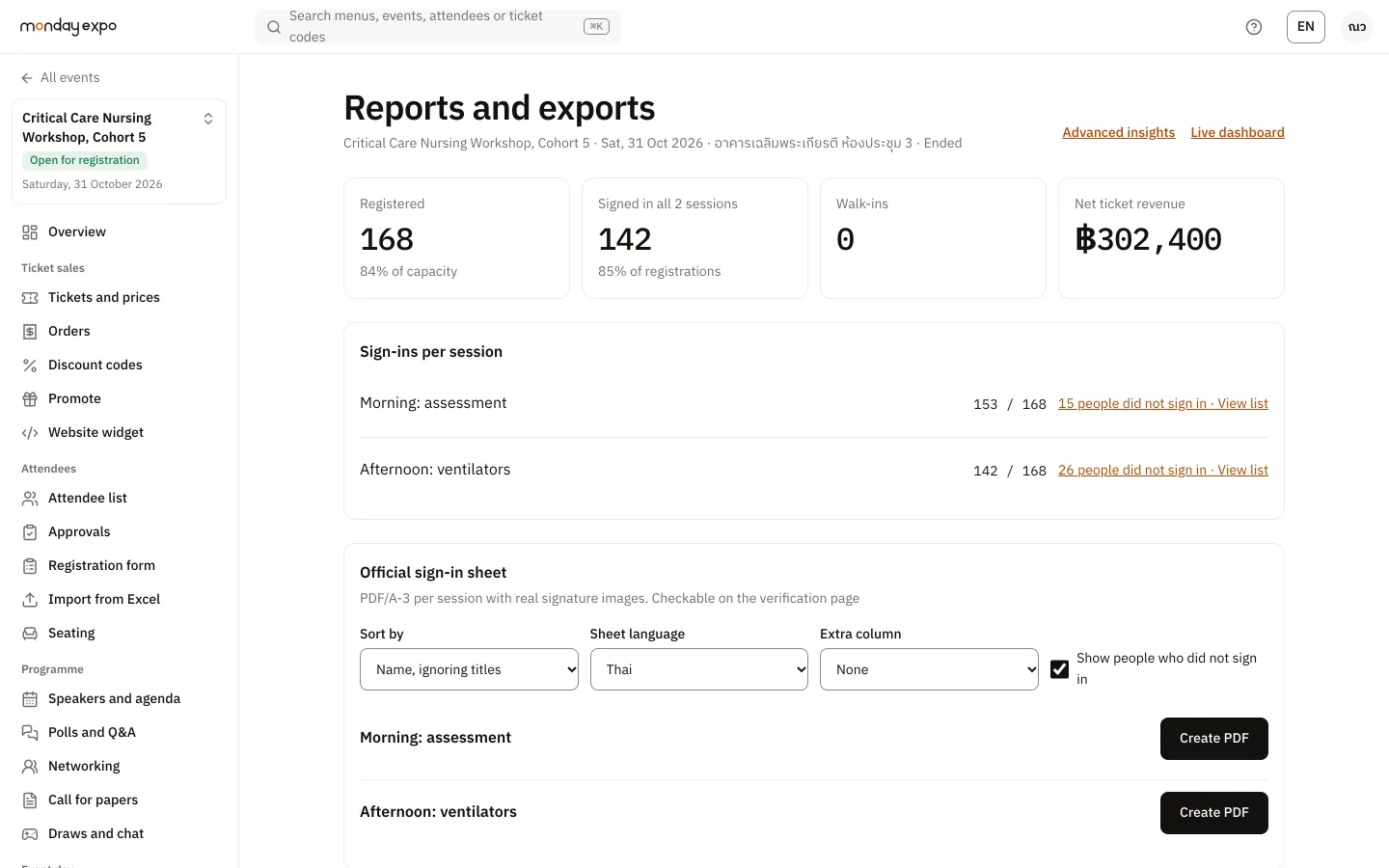
See registrations, actual attendance, attendance rate and survey results by department or branch, and export to Excel for HR straight away.
- Full reports and Excel from Pro
- Mobile post-event survey from Pro Plus
- Keep the data to compare with your next event
Pick a plan
Pick by how many employees attend
-
Team or branch events
Free
Up to 50 people
Registration, approval, QR tickets and check-in.
-
Company-wide town hall
Pro
Up to 300 people
Adds full reports and Excel export.
-
Corporate events with polls and branding
Pro Plus
Up to 1,000 people
Adds your brand, polls, Q&A and surveys.
-
Large multi-branch events
Business
Up to 2,000 people
Adds the badge designer and sponsor zones.
Frequently asked questions
Do I need a Beam account for a free staff event?
No. Beam is only for events that sell tickets by card or PromptPay. Internal events without payment can start right away.
How do I keep the event to employees only?
Turn on registration approval so only people you approve get a QR ticket, or import your staff list from Excel and send tickets to that list.
Can I use our logo and colours?
Yes, from the Pro Plus plan, on the registration page, tickets and emails.
Can I open several check-in points at once?
Yes. Your team's tablets or phones become check-in points. The number of devices depends on your plan, and the live dashboard adds up every door.
Can I get a report by department?
Yes. Add a department field to the registration form. Full reports and Excel export are available from the Pro plan.
Ready for your next town hall?
Start free right away, or talk to our team about staff events across several branches.
Sensitive employee data is encrypted before it is stored, on servers in Singapore. See security details